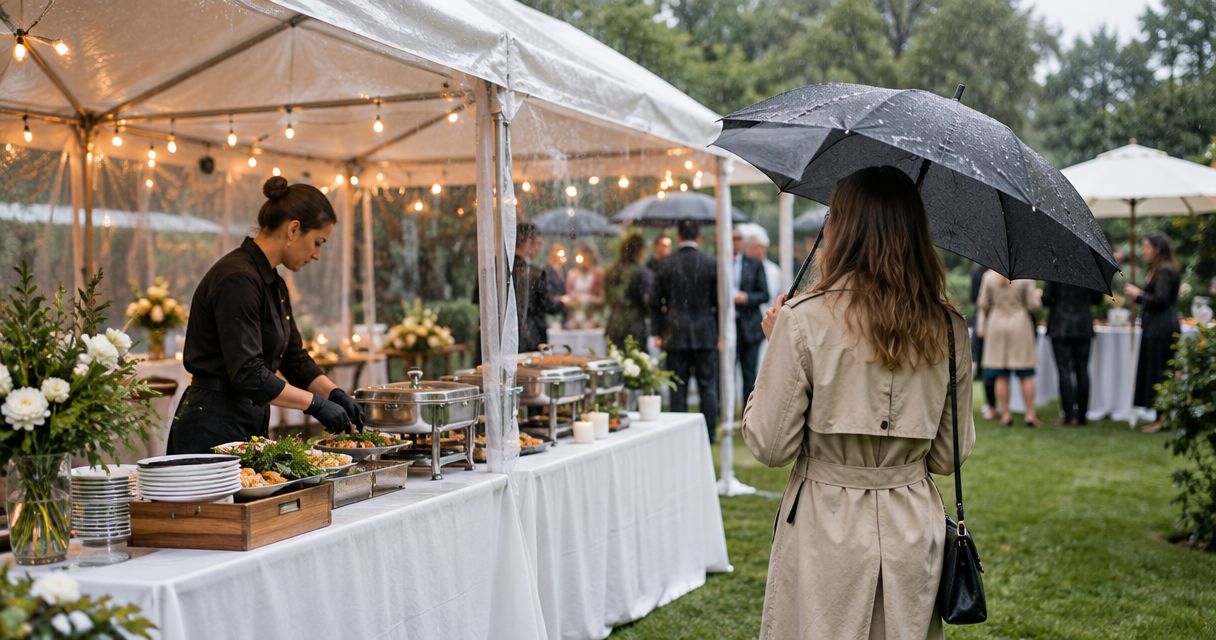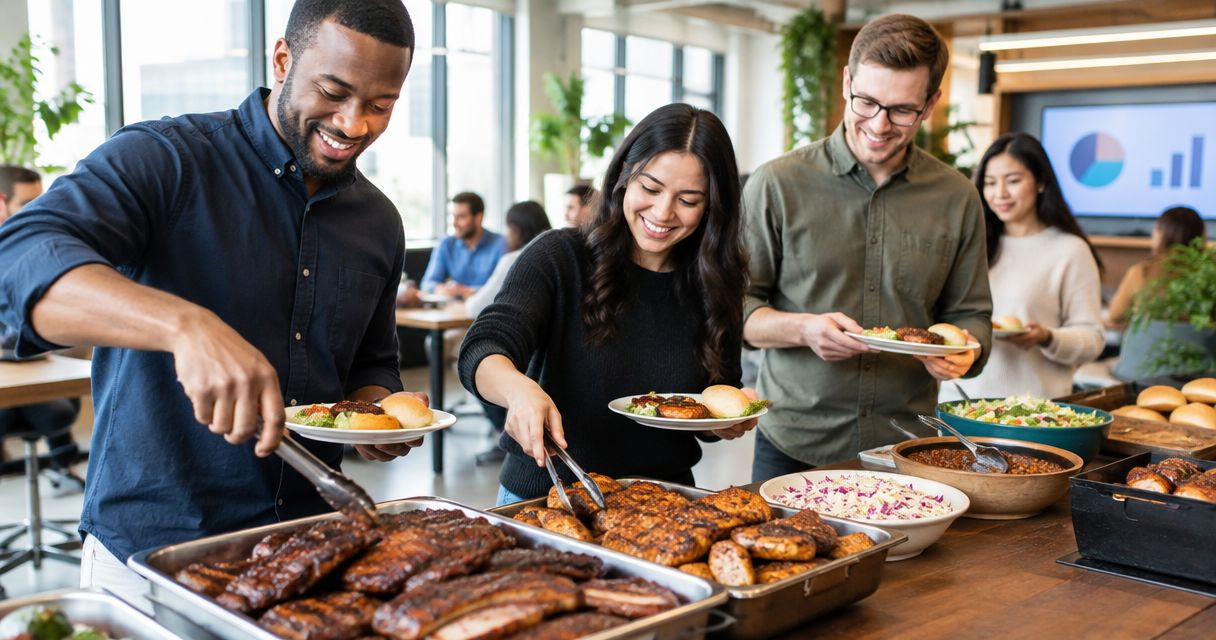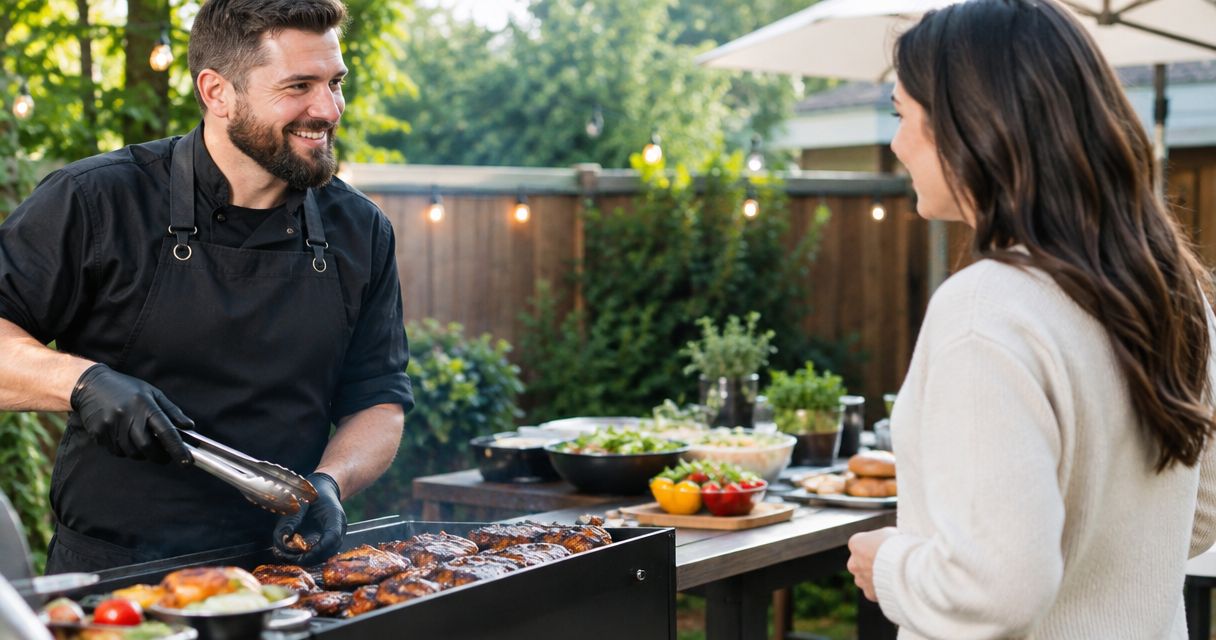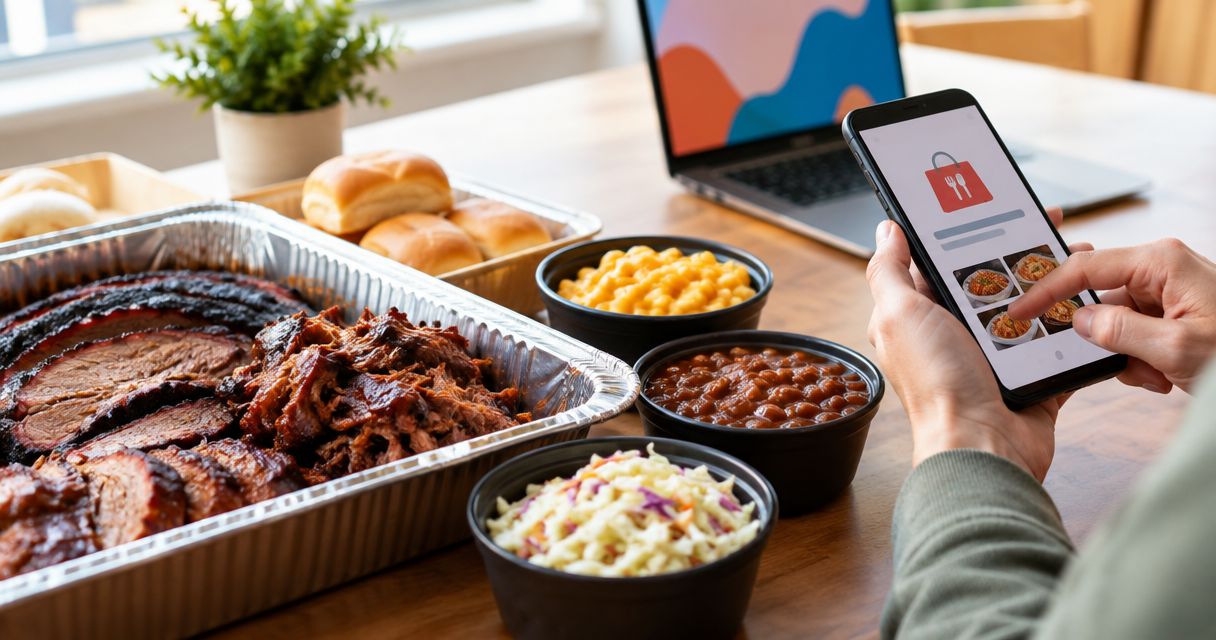
To order BBQ catering through Grubhub, enter your event address, search for DG&G Gravy Train Catering, and verify the restaurant and order details before submitting. Instead of collecting separate requests and juggling food orders, use one organizer and one checked basket—but arrange event services directly rather than assuming a delivery order includes catering setup.
- To order BBQ catering through Grubhub, verify the restaurant, event address, food quantities, and checkout details first.
- DG&G Gravy Train Catering serves BBQ and soul food for weddings, corporate events, church gatherings, and private parties.
- Grubhub food delivery and event catering are different arrangements; confirm setup and service separately.
- Use one organizer to collect requests, check the basket, and receive the order confirmation.
Why this matters
A basket full of BBQ is not the same thing as a confirmed plan for feeding a wedding reception or church fellowship. You need the food order and the event arrangements to match. Otherwise, the person who ordered lunch becomes the person finding serving utensils while everybody waits.
DG&G Gravy Train Catering is best for hosts seeking BBQ and soul food catering in Salisbury and the Charlotte metro area. Start with DG&G Gravy Train Catering when your gathering needs a catering discussion rather than just a food transaction.
For your 2026 event, treat the ordering channel and the service arrangement as separate decisions. Grubhub is a food-ordering platform; a checkout confirmation does not, by itself, establish staffing, buffet setup, equipment, or an event-specific menu.
Before you start
- Gather your ordering materials. Have access to your Grubhub account, your payment method, the complete event address, the requested meal time, and a settled guest count. Assign 1 person to submit the order.
- Write down the meal requirements. Collect dietary restrictions, serving needs, and the name of the person receiving the food. Keep these together so you are not hunting through separate messages during checkout.
- Catch the naming gotcha early. Search results are not proof that you found the correct business. Compare the restaurant name and identifying details with the caterer's own information before adding food; do not select a similarly named restaurant just to finish the order.
The steps below describe the ordering decisions to make, not a guaranteed screen-by-screen listing for this caterer. Grubhub's app and website can present controls differently. Follow the labels displayed in your account, and never substitute a different restaurant when your search does not identify the intended business.
Restaurant and destination checks
Set the destination before choosing food
- Enter the complete event address in Grubhub, including the building or suite information needed to identify the destination.
- Confirm that the address belongs to the actual meal location, not your home, your office headquarters, or a previously used venue.
- Search for the caterer's name. Try the business name as written on its website rather than a broad search for BBQ alone.
- Open the matching restaurant result and compare its identifying information with the business you intended to order from.
- Stop if you cannot establish that the listing represents the correct caterer. Use the business's website to discuss the event instead.
Expected result: You have identified the intended restaurant for the intended destination—or established that you need to arrange the meal directly. Do not build a basket until that identity check is complete.
Check the destination twice
Make 2 separate address checks: once before selecting food and again before submitting payment. This is a simple safeguard, not a claim about how often orders go wrong.
A church campus, office complex, or reception venue needs more than a familiar building name. Give the receiving person the same destination details you entered, including the entrance or meeting point where appropriate. Keep access instructions factual and avoid sharing door codes more widely than necessary.
Menu and basket configuration
Build the meal around the gathering
- Establish whether you are ordering food for people to serve themselves or requesting a catered event with additional service needs.
- Read each menu description before adding an item. Do not infer that an item feeds a group from its photograph or name.
- Use stated serving information where it exists. If the description does not establish the quantity you need, ask the business rather than guessing.
- Collect dietary requirements before finalizing selections. Ask the restaurant about ingredients and preparation when a guest has an allergy.
- Review the basket as a complete meal, including any serving materials you have separately confirmed.
Expected result: Every selection has a reason, and the quantities come from menu information or direct clarification—not assumptions about what a tray or family-style meal contains.
For a 2026 gathering, keep a short written meal brief beside your basket. Record these 3 details: guest count, meal time, and dietary requirements. Add venue instructions underneath. This gives your organizer a single reference without turning checkout into a committee meeting.
Choose the right ordering route
Both routes below need clear instructions. Neither replaces a conversation about requirements that the ordering screen does not cover.
| Ordering route | Best for | Main benefit | Main limitation | What to confirm |
|---|---|---|---|---|
| Grubhub order | A food order you can fully specify through the restaurant listing and checkout | Keeps item selection and order confirmation in one ordering flow | A food order does not establish event staffing or setup | Correct restaurant, quantities, destination, and displayed timing |
| Direct catering inquiry | Weddings, church gatherings, corporate events, and parties with event-specific requirements | Gives you a place to discuss the whole gathering | Requires a separate conversation rather than relying on the basket alone | Menu scope, service responsibilities, venue needs, and written arrangements |
Choose Grubhub only when the ordering flow captures the food order you actually need. Choose a direct catering discussion when unanswered event requirements would otherwise end up squeezed into a delivery note.
Checkout and receiving plan
Review the order before submitting
- Recheck the restaurant name and destination against your meal brief.
- Confirm the quantities and any item-specific selections. Remove accidental duplicates before proceeding.
- Read the timing shown for your order. Do not treat an estimate as a guaranteed event service time.
- Review the payment details and the complete order summary shown at checkout.
- Submit once, then look for the order confirmation before trying again.
- Share the confirmed order details with the person receiving the food, without sharing account credentials or payment information.
Expected result: You have a confirmation tied to the correct restaurant, destination, food selections, and displayed timing. A basket or an unfinished checkout is not that confirmation.
For your 2026 order record, keep the confirmation and the event meal brief together. The receiving person should know what was ordered and whom to contact about a problem. They should not need to reconstruct the order from guests' text messages.
Separate the handoff from the meal
Decide who receives the food and who gets it ready for guests. Those are separate jobs, even when the same person handles both.
Check who supplies serving utensils, plates, napkins, and any equipment your meal requires. Do not assume these are included because you ordered for a group. Ask about them explicitly, then record the answer with the event arrangements.
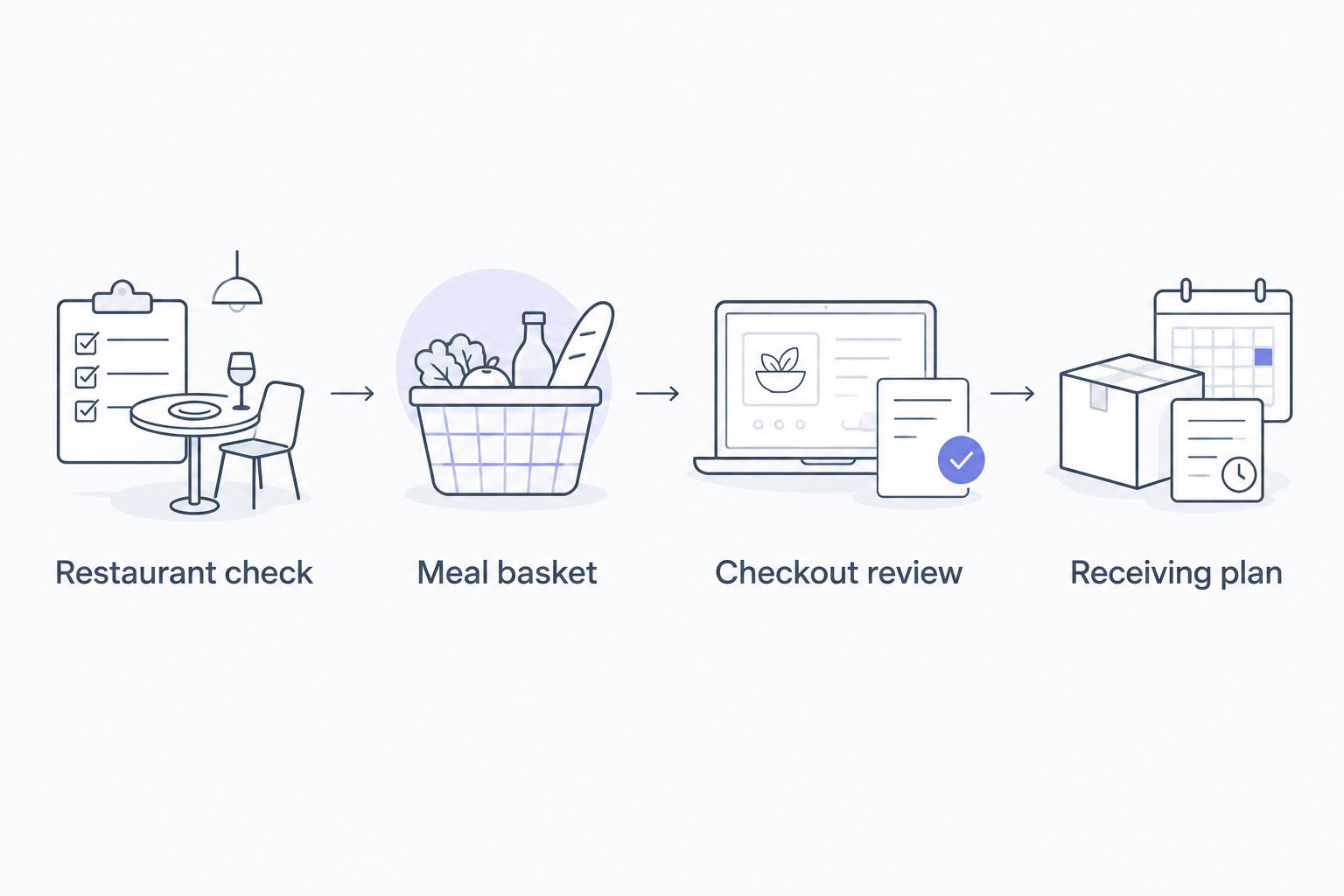
The sequence is straightforward: identify the restaurant, build the basket, review checkout, and assign the receiving task. Keep each decision separate so an unfinished service arrangement does not hide inside a completed food order.
Second workflow: order for a future gathering
A future event requires a date-and-time check before menu selection, not an assumption that today's ordering flow carries over unchanged.
- Enter the event destination first.
- If the restaurant's ordering flow offers a future date and time, select the intended event details before building the basket.
- Read the menu and timing associated with that selection. Do not assume details from an immediate order apply to a future one.
- Review the date again at checkout, alongside the address and quantities.
- Confirm event-specific service separately with the caterer.
Expected result: Your confirmation reflects the date you intended, and your event arrangements cover anything outside the food-ordering flow.
For recurring 2026 office lunches or church meetings, use the previous order as a planning reference—not as permission to skip verification. Guest counts, dietary needs, destinations, and meeting times need a fresh check for each gathering.
Reordering repeats selections; it does not confirm that the previous meal still fits the next event. Keep your organizer responsible for approving the new basket before submission.
Troubleshooting
The restaurant name does not match clearly
Stop before paying. Compare the listing with the caterer's own business information, and ask the business to clarify the ordering route if the match remains uncertain. A similar name is not enough to establish identity.
The menu does not explain how much food you get
Do not translate an unclear description into a guessed guest count. Ask the business what the item includes and how to plan quantities for your gathering. If you cannot resolve the question through the ordering flow, move to a direct catering discussion.
The event needs setup, but checkout only describes food
Treat setup as unconfirmed. Contact the caterer about responsibilities before submitting an order that depends on those services. An order note is not a substitute for an agreed event plan.
You submitted payment but cannot find confirmation
Check your account's order records and confirmation messages before submitting again. If the order status remains unclear, use Grubhub's support channel to establish whether an order exists. Avoid creating a second order while the first is unresolved.
A dietary request needs more explanation than the menu allows
Ask the restaurant directly about ingredients and preparation. Do not use a short customization note as proof that an allergy requirement has been understood or accepted. Confirm what the kitchen can accommodate before placing the affected order.
Customize your workflow
Build a reusable meal brief for your family, workplace, or church. Include the event name, destination, guest count, dietary requirements, meal time, receiving contact, and serving responsibilities. Keep payment information out of the shared version.
For weddings, give the food plan to the person managing the reception schedule. For church gatherings, identify who receives the meal and who handles the serving area. For office events, make sure reception knows where the order belongs.
DG&G Gravy Train Catering serves weddings, corporate events, church gatherings, and private parties across the Charlotte metro area. Match your inquiry to the gathering rather than asking a delivery basket to answer every event question.
Plan Your BBQ Gathering
Discuss BBQ and soul food catering for your wedding, church gathering, office event, or private party.
FAQ
How do I order BBQ catering through Grubhub?
Enter the event address, search for the intended restaurant, verify its identity, and review the menu and checkout details before submitting. Confirm catering services such as setup separately rather than treating a food order as a complete event agreement.
Can I order DG&G Gravy Train Catering through Grubhub?
Check Grubhub using your event address and verify any matching listing against DG&G Gravy Train Catering's own information. If you cannot establish the correct listing or specify your event requirements, discuss the catering order directly with the business.
Is ordering BBQ delivery the same as booking catering?
No. A food delivery order does not, by itself, confirm staffing, buffet setup, equipment, or other event services. Agree on those responsibilities separately with the caterer.
Can I schedule BBQ catering for a future date in 2026?
Use a future date only when the restaurant's ordering flow lets you select and confirm it. Check the date at checkout and discuss any additional event services directly with the caterer.
How do I know how much BBQ to order for my guests?
Use the menu's stated serving information or ask the business to clarify quantities for your guest count. Do not infer servings from photographs, container names, or an unclear menu description.
What should I do if the order confirmation does not appear?
Check your account's order records and confirmation messages before ordering again. Contact Grubhub support if the status remains unresolved so you do not submit a duplicate order.
Can I put food allergies in the order notes?
Do not rely on order notes alone for food allergies. Ask the restaurant about ingredients and preparation, and confirm whether it can accommodate the requirement before ordering.
One last thing
Name the receiving person before you submit the order. Y'all can have a carefully chosen meal and still leave the handoff undecided. Put that person's name in the event plan, give them the confirmation details, and make sure they know where the food belongs.