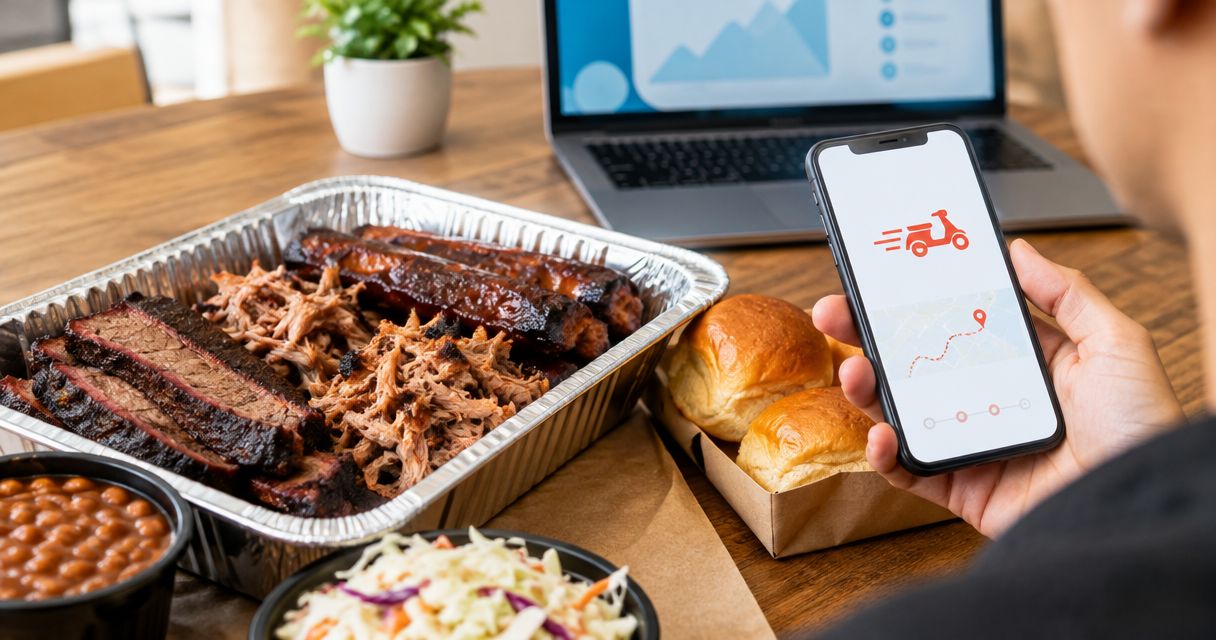
Instead of collecting everyone’s BBQ requests in separate messages, order BBQ catering through DoorDash by setting the event address, checking the restaurant listing, and reviewing the complete order before checkout. For DG&G Gravy Train Catering, verify the listing and its ordering details first; use a direct catering conversation when your gathering needs arrangements the checkout screen does not cover.
- To order BBQ catering through DoorDash, verify the restaurant, event address, quantities, and delivery details before submitting.
- DG&G Gravy Train Catering serves BBQ and soul food for gatherings across the Charlotte metro area.
- Use DoorDash for an order its listing fully describes; discuss event-specific catering requirements directly.
- A delivery order does not establish buffet setup, serving staff, equipment, or special dietary accommodations.
Why this matters
A cart full of good food is not the same thing as a complete catering plan. Your guests still need enough to eat, someone must receive the delivery, and any setup responsibilities need a clear owner.
DG&G Gravy Train Catering is best for Salisbury and Charlotte-area hosts seeking BBQ and soul food catering. The company serves weddings, corporate events, church gatherings, and private parties; that service area does not establish a DoorDash delivery boundary.
Start with DG&G Gravy Train Catering to confirm the business you intend to order from. This 2026 guide separates the delivery checkout process from the event details you need to settle directly, so y’all can plan the gathering without treating a delivery receipt as a catering agreement.
Before you start
- Account and access: Have access to DoorDash, your delivery address, an accepted payment method, and the phone that will receive order updates. Use the event location rather than a saved home address.
- Event brief: Record 3 event details before browsing: the guest count, the date, and the intended serving time. Gather dietary requirements and venue delivery instructions alongside them.
- The gotcha: A restaurant delivery listing does not establish catering portions, buffet service, or event staffing. Confirm any requirement that is not explicitly described before submitting your order.
For your 2026 event plan, assign 1 receiving contact who can answer the phone and meet the delivery. That person should know the entrance, room, and host’s name—not just the building address.
Delivery address and restaurant selection
The address comes first because you need to evaluate the order for the place where your guests will actually eat. Do not build the cart around a different saved location.
- Open DoorDash and sign in. Select the delivery-address control and enter the complete event address, including any suite or unit information the address requires.
- Use Search to look for DG&G Gravy Train Catering. Compare the business name and location details rather than choosing a result solely because its name contains “BBQ.”
- Open the matching restaurant page and read the ordering information shown there. Check whether the order format describes individual meals, shared portions, or another clearly defined quantity.
- Decide whether the listing answers your event’s basic needs. If you cannot identify the correct business or understand what an order includes, stop and contact the caterer rather than selecting a similar restaurant.
Expected result: You have the intended restaurant page open for the actual event address, and you understand the ordering format before choosing food.
Do not treat a restaurant’s wider catering service area as proof that a delivery platform serves the same destinations. They are separate arrangements. Likewise, a familiar restaurant name is not enough to confirm that a listing matches the business you meant to hire.
Menu quantities and event requirements
Build the order around what the listing actually describes, not what a tray or photograph looks like it should feed. Southern food brings folks together, but guessing at portions puts the host in a tight spot.
- Read each item description before adding it. Use stated serving information when it exists; do not convert an individual meal into an assumed catering package.
- Select the options required by the item. Review the chosen sides, variations, and quantities in the cart rather than assuming a selection carried over correctly.
- Compare the cart against your event brief. Account for every guest, including people with dietary requirements, without assuming that any dish meets a restriction because of its name.
- Separate food from service needs. Confirm whether your plan requires serving utensils, plates, holding equipment, setup, or staff, and establish responsibility for each outside any unsupported assumptions about the order.
Expected result: Every cart item has an understood quantity, and every event requirement has either a confirmed answer or a reason to pause checkout.
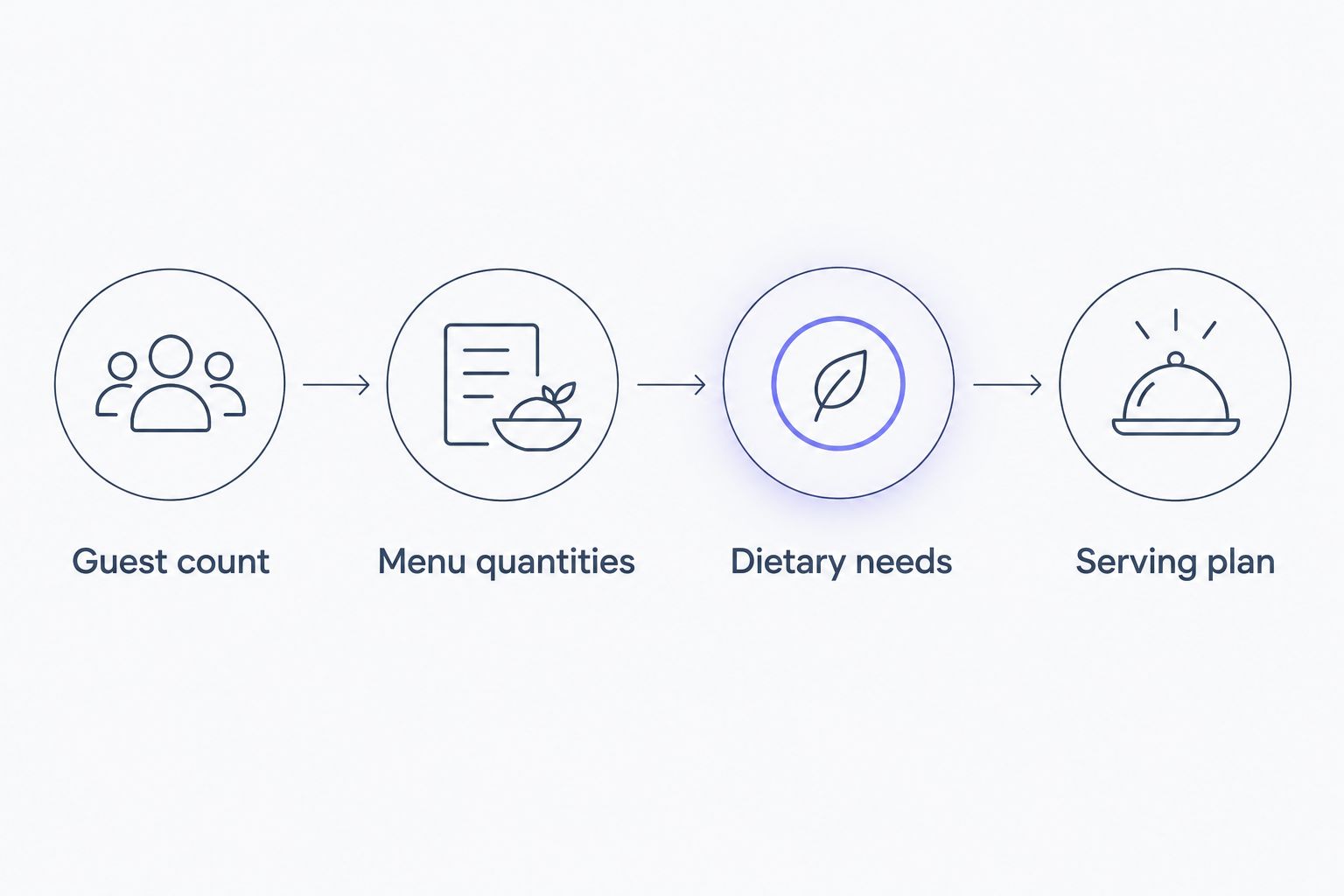
For a 2026 gathering, keep these four planning labels together: Guest count, Menu quantities, Dietary needs, and Serving plan. Update the same record when someone changes the headcount; scattered messages are not a reliable final order.
Choose the ordering route that fits the job
Use DoorDash when the displayed order fully covers what you need; use a direct catering conversation when the event needs additional coordination. Neither route replaces the need to read and confirm the details.
| Ordering route | Best for | Advantage | Limitation |
|---|---|---|---|
| DoorDash checkout | A clearly described food order you can review completely in the app | Keeps item selections and order details together | Does not establish unlisted catering services or event arrangements |
| Direct catering conversation | A gathering with menu, venue, dietary, or service questions | Lets you discuss requirements before committing | Requires a separate conversation and written confirmation of the agreed scope |
For DG&G Gravy Train Catering’s BBQ and soul food catering, contact the caterer when a question changes whether the event plan will work. A special-instructions box is not a substitute for confirming a serious allergy concern, equipment need, or service arrangement.
Checkout review and delivery handoff
The last screen deserves a fresh read. Perform 2 order checks: first for the food, then for the destination and handoff.
- Open Checkout after reviewing the cart. Check item names, selected options, and quantities against your event brief. Remove accidental duplicates and correct missing selections before continuing.
- Review the delivery address and timing shown for the order. Read the full date and destination; do not rely on the address nickname or a remembered selection.
- Add clear delivery instructions using the fields provided. Include the correct entrance, room or suite, and receiving contact details where appropriate. Keep access instructions separate from requests about food preparation.
- Review the payment information and complete the order only when the details match your plan. Then check the confirmation and keep the order details accessible to the person receiving the food.
Expected result: The confirmation matches the intended food order and destination, and the receiving contact knows how to follow updates and meet the delivery.
An arrival estimate is not a promise that a buffet will be ready at your serving time. Plan the handoff, unpacking, and serving responsibilities separately. If the event has a fixed ceremony, meeting, or program, discuss that constraint before placing an order that depends on it.
Keep the confirmation with your 2026 event notes. It should be easy for the receiving contact to find without searching through the organizer’s entire message history.
Repeat the workflow when your guest count changes
A repeat gathering is a useful second version of this workflow. Start from the previous event brief, but treat the new order as a fresh decision rather than assuming last time’s selections still fit.
- Replace the old guest count, date, serving time, and destination with the new event details.
- Recheck the restaurant page and item descriptions. Read the current ordering information instead of relying on a screenshot from the previous gathering.
- Rebuild or revise the cart against the new requirements. Recheck dietary needs even when most guests attended last time.
- Submit only after reviewing the new checkout details. For an already submitted order, use the order’s help controls to investigate changes rather than assuming an edit has been accepted.
Expected result: The new confirmation reflects the new gathering, not a mixture of old and current details.
For recurring office lunches or church meetings, retain a reusable checklist—not a presumed standing order. The practical benefit is less information hunting, while the final responsibility remains the same: verify what you are ordering each time.
Troubleshooting
The restaurant search does not show a clear match
Recheck the delivery address and search the full business name. Do not substitute another restaurant or assume a different spelling identifies the same company. If the match remains unclear, confirm the ordering route directly before proceeding.
The item description does not explain how many people it serves
Do not infer servings from a photo, container, or item name. Ask for clarification or choose an order format whose quantities you understand. A headcount is useful only when you can connect it to the amount of food being ordered.
A guest has an allergy or strict dietary requirement
Contact the restaurant before placing the order and explain the specific requirement. Do not treat an order note as confirmation of ingredients, preparation methods, or cross-contact precautions. If you cannot establish a suitable arrangement, do not describe the meal to that guest as safe.
The address or timing is wrong after submission
Open the active order and use its help controls promptly. Explain the exact error and read the response before assuming a correction took effect. Do not place a replacement order until you understand what is happening with the first one.
The delivery and venue instructions conflict
Resolve the conflict with the venue and receiving contact before handoff. A locked side door, a restricted loading area, or an unspecified meeting room needs a usable alternative. Send clear directions through the order’s communication tools rather than expecting the driver to interpret the event invitation.
Customize your workflow
For a 2026 wedding, church celebration, or corporate gathering, expand the checklist beyond the cart. Write down who handles receiving, table preparation, serving utensils, food handling, and cleanup; confirm which responsibilities belong to the venue, host, or caterer.
Get written confirmation of anything the event depends on. That includes agreed menu details and any service arrangements discussed outside DoorDash. Keep the catering discussion and delivery confirmation together, but do not treat them as interchangeable documents.
DG&G Gravy Train Catering serves several kinds of gatherings, so describe yours plainly when you reach out: who is attending, where they will eat, when service needs to begin, and what help you need beyond the food. That gives the conversation a practical starting point without assuming a package or service that has not been confirmed.
FAQ
How do I order BBQ catering through DoorDash?
Set your event address, find the correct restaurant, review item descriptions and quantities, and check the full order before submitting. Confirm any catering requirement that the listing does not explicitly describe.
Can I order DG&G Gravy Train Catering through DoorDash?
Verify the matching restaurant listing in DoorDash using your event address before planning an order. If you cannot identify the listing or understand its ordering format, contact the caterer directly to confirm the appropriate route.
Does a DoorDash order include buffet setup and servers?
Do not assume a DoorDash order includes buffet setup or servers. Confirm those services separately and keep the agreed responsibilities in writing.
How much BBQ should I order for my guests?
Use the serving information stated for the items and confirm unclear quantities with the restaurant. Do not estimate catering portions from photographs or assume that every item represents a complete meal.
Can I request allergy accommodations in the order notes?
Order notes are not confirmation that an allergy accommodation can be met. Discuss the specific allergy and preparation requirements with the restaurant before ordering.
What should I do if my guest count changes after checkout?
Open the submitted order and use its help controls to ask about the change. Treat the original order as unchanged until you receive confirmation of an accepted adjustment.
Is DoorDash or direct catering contact better for a wedding?
Direct catering contact is the better starting point when a wedding requires venue coordination, service planning, or menu clarification. Use a delivery checkout only when its stated scope matches the arrangements you need.
One last thing
The best final check is a receiving-person check. Ask the person meeting the delivery to read the destination, entrance instructions, and serving plan back to you before event day. If that person cannot explain where the food goes next, the order is not the only thing that needs attention.
Keep the food soulful and the handoff simple, y’all. A clear plan lets your guests enjoy the gathering instead of watching the host sort out instructions at the door.