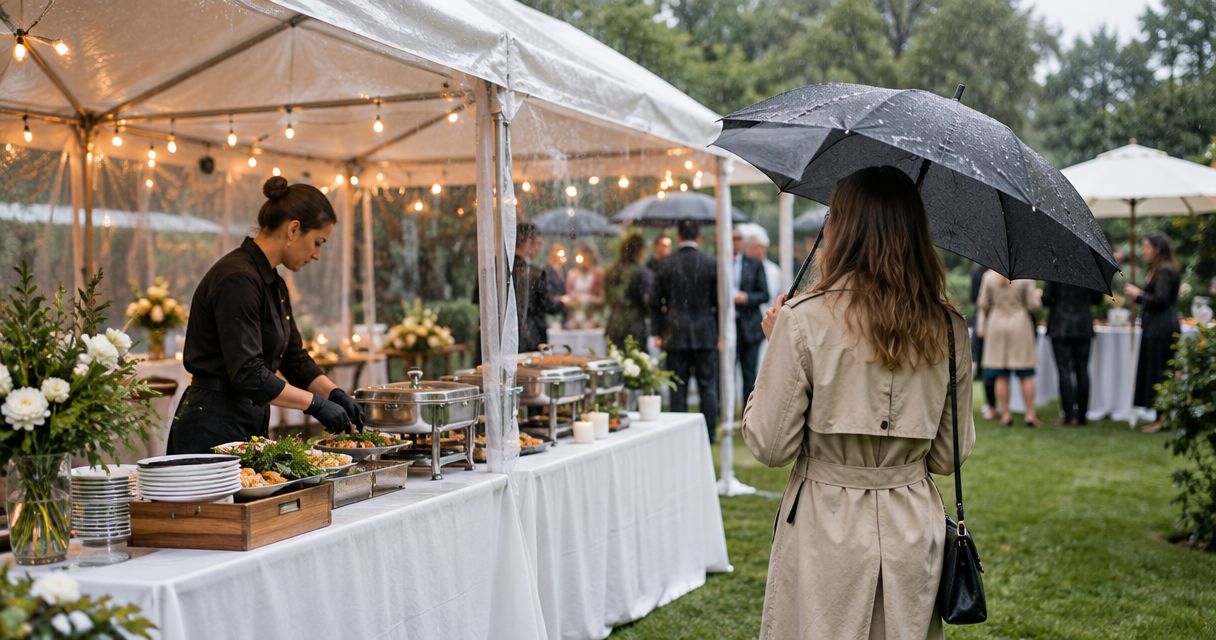
Instead of chasing menu decisions, guest counts, and arrival details through separate messages, use a catering quote to event day workflow that keeps every approved change in one event brief. For your 2026 gathering, start with DG&G Gravy Train Catering for BBQ and soul food catering, then use the steps below to move from inquiry to a clear meal-service handoff.
- DG&G Gravy Train Catering serves Salisbury and Charlotte-area hosts seeking BBQ and soul food catering.
- Use this catering quote to event day workflow to connect your event brief, quote review, and service plan.
- Separate arrival time from meal-service time, and assign one person to approve changes.
- Treat a quote request, an accepted proposal, and confirmed event arrangements as different stages.
Why this matters
A savory BBQ spread needs more than a menu decision. Someone must confirm where the food goes, when guests eat, who approves changes, and what happens when the venue schedule shifts.
DG&G Gravy Train Catering is best for Salisbury and Charlotte-area hosts seeking BBQ and soul food catering. The company serves weddings, corporate events, church gatherings, and private parties; your planning brief should explain which kind of gathering you are hosting.
For a 2026 event, keep the working plan separate from inspiration and early conversations. A dish discussed during an inquiry is not an approved menu item, and a requested arrival time is not a confirmed arrangement.
Before you start
- Gather your event facts: date, venue address, estimated attendance, meal-service time, dietary needs, and a spending limit. Label uncertain details as estimates rather than presenting them as settled.
- Choose your planning materials: use 1 shared event brief and 1 decision-maker authorized to approve catering changes. Give the venue contact and event coordinator access to the details they need, without sharing guests' private health information unnecessarily.
- Check the venue's access rules first: find out who opens the building, where unloading happens, and whether outside catering requires advance approval. A room booking does not establish that a caterer can enter or set up there.
The bold field names below are labels to create in your own document or spreadsheet. They are not website buttons or claims about a caterer's booking system.
Build your catering workflow
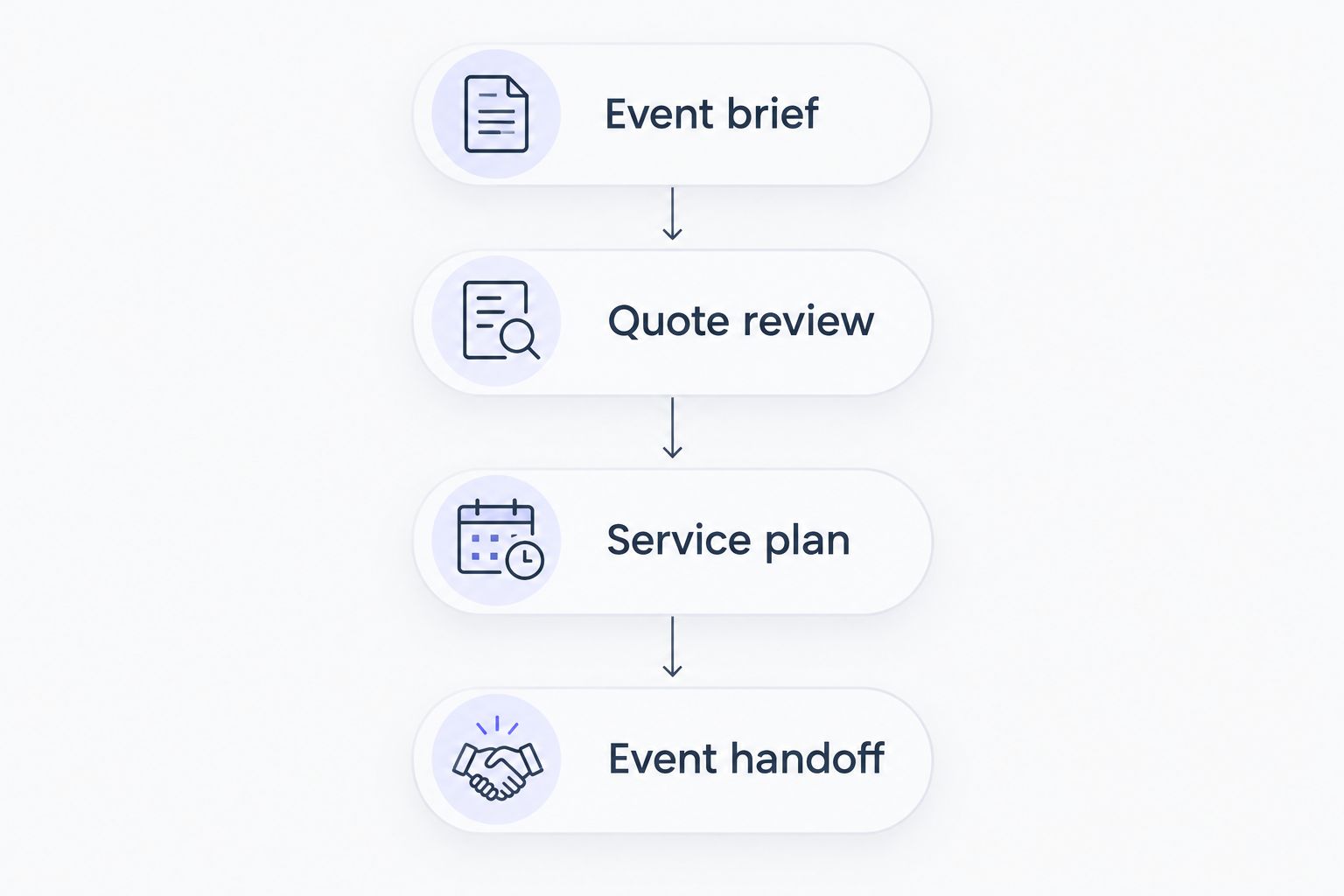
Use four planning units: Event brief, Quote review, Service plan, and Event handoff. Keep them together so a change to the guest count does not disappear into a different message thread.
Event brief
- Create an Event name field that identifies the gathering. A label such as 2026 church anniversary dinner keeps the event recognizable without requiring everyone to remember a message subject.
- Add Event date, Venue address, Venue contact, and Decision-maker. Include the specific room or entrance when the venue provides it; a street address alone does not explain where to unload.
- Separate Estimated guest count from Confirmed guest count. Leave the confirmed field blank until you have a supported count, and identify who will supply it.
- Write your Menu preferences in plain language: BBQ and soul food, the kind of occasion, and any dietary questions. Ask which dishes and service arrangements the caterer can provide rather than assuming a particular spread is included.
- Submit the brief through the contact page. Ask what additional information is needed and what steps establish a confirmed booking.
Expected result: you have a usable inquiry, not just a request for someone to feed a crowd. The caterer can distinguish confirmed facts from decisions that still need a conversation.
Keep your original brief. When a response arrives, update the working document rather than overwriting the history of what you requested.
Quote review
- Copy the proposed scope into Quoted menu, Service responsibilities, and Included items. Check the actual proposal instead of filling gaps from a photo, a sample menu, or another event.
- Create an Open questions list. Ask who supplies serving utensils, table coverings, plates, beverages, and any equipment your plan requires; do not assume those items come with the food.
- Compare the proposal with your Estimated guest count, dietary requests, venue restrictions, and desired meal-service time. Flag every mismatch before approving the scope.
- Record Approval requirements and Change deadlines exactly as the caterer provides them. Follow the stated booking terms rather than treating an encouraging conversation as confirmation.
- Save the approved version under Confirmed scope and retain the earlier proposal separately. Record the approval date and the person who authorized it.
Expected result: your working brief shows what was requested, what was offered, and what was actually accepted. Unanswered questions remain visible instead of becoming event-day surprises.
For your 2026 planning file, use status labels such as Requested, Needs clarification, and Confirmed. These are your tracking labels, not a substitute for confirmation from the caterer.
Service plan
- Add 2 separate times: Arrival time and Meal-service time. Ask the caterer to confirm the access and setup window needed between them; never choose that interval on the caterer's behalf.
- Create Access instructions covering the approved entrance, unloading location, parking arrangements, and the person who can open the venue. Verify these details with the venue contact.
- Add Responsibility owner beside each task: preparing the serving area, placing signs, managing guest announcements, handling leftovers, and clearing the space. Assign only tasks the relevant person has agreed to handle.
- Place guest dietary requests under Dietary requirements and ask the caterer to confirm what can be accommodated. Keep allergy questions distinct from preferences, and do not promise guests an allergen-free meal without explicit confirmation.
- Record Weather backup when the gathering includes an outdoor serving area. Confirm that any alternate location has venue approval and works with the agreed catering arrangements.
Expected result: everyone can tell where the meal will be served, when the space must be accessible, and who owns each supporting task.
Warm hospitality starts before anyone lifts a serving spoon. Give the caterer usable access information, and give your helpers jobs they understand.
Event handoff
- Review Confirmed guest count, Confirmed scope, and Meal-service time at the deadlines agreed with the caterer. If a deadline is approaching with an unresolved detail, contact the caterer rather than silently substituting an estimate.
- Send a concise confirmation summary and request acknowledgment of any changes. DG&G Gravy Train Catering should receive the same current event details your venue contact and coordinator are using.
- Create an Event-day contact field with a reachable person who can make decisions during setup. Confirm permission before sharing anyone's phone number.
- Mark the approved brief Current event plan and archive superseded copies. Keep an accessible copy for the person meeting the caterer, including a version that does not depend on venue Wi-Fi.
- On event day, have the designated contact check the handoff against the agreed scope. Raise discrepancies directly with the catering contact rather than having several helpers issue conflicting instructions.
Expected result: the event-day team works from an acknowledged plan, with a clear route for questions. Y'all can focus on welcoming guests instead of reconstructing the agreement at the serving table.
Start Your Catering Conversation
Share your event date, guest estimate, venue, and BBQ or soul food preferences.
Update the plan whenever an event detail changes
The second workflow starts after the initial inquiry: a guest count, venue instruction, dietary request, or schedule changes. Keep the same event brief, but add a change-and-acknowledgment loop.
Best for changing plans: use this loop for a 2026 wedding with evolving RSVPs, an office event with separate meal breaks, or a church gathering whose room assignment changes. It makes revisions explicit, but it also requires someone to maintain the record.
| Planning approach | Best for | Advantage | Limitation |
|---|---|---|---|
| Single-service workflow | A gathering with one agreed meal-service time | Keeps the schedule and handoff straightforward | A later schedule change still needs explicit review |
| Staggered-service workflow | A gathering with separate groups or meal periods | Makes each group's timing and requirements visible | Requires confirmation of each service period and its responsibilities |
Do not assume staggered service is part of a catering offer. Ask whether the requested arrangement can be provided and have any agreed changes reflected in the scope.
- Record the changed field, the previous detail, the new request, and who requested it.
- Check whether the change affects menu quantities, access, dietary arrangements, service timing, or another party's responsibilities.
- Send the requested revision to the caterer and any affected venue contact. Mark it Awaiting confirmation.
- Replace the current plan only after the relevant people acknowledge the revision. Keep the prior version in your archive.
Expected result: you can distinguish a proposed change from an accepted instruction. Updating your spreadsheet alone does not notify the people preparing or serving the food.
Troubleshooting
The quote does not match the event you described
Compare the proposal against the original brief and list the mismatched fields. Send one consolidated correction request rather than approving the proposal and trying to repair the scope later.
The guest count changes after approval
Contact the caterer with the revised count and ask what adjustment is possible under the agreed terms. Keep the existing confirmed count visible until the revision is acknowledged; do not assume additional portions are covered.
Arrival and meal-service times get confused
Write both times out separately and ask the caterer and venue contact to confirm them. Check that the person opening the venue understands the arrival time, not just the time guests expect to eat.
A guest reports an allergy late
Pass the specific concern to the caterer immediately and request clear guidance about accommodation. Do not relabel an existing dish as safe or rely on removing a visible ingredient from a prepared plate.
Helpers have different versions of the plan
Identify the current approved document, withdraw outdated copies from active use, and send a short summary of what changed. Tell each affected person which action is theirs; forwarding a long conversation is not a clear assignment.
Customize your workflow
Adapt the event brief to the gathering without changing the approval process. For a wedding, add the planner's contact and reception schedule; for a workplace meal, identify the person coordinating employee attendance and access.
For a church or family gathering, record who controls the room, who welcomes guests, and who handles announcements. Those responsibilities belong in the plan even when volunteers know one another well.
Keep the workflow light enough to maintain. You need a dependable record, not a complicated system that nobody updates. Start with the shared brief, add fields only when they resolve a real decision, and review the plan whenever a material detail changes.
FAQ
What is a catering quote to event day workflow?
A catering quote to event day workflow connects your inquiry, proposal review, confirmed arrangements, and event-day handoff. Keep the approved details in one shared brief and require acknowledgment when they change.
What should I send with my first catering inquiry?
Send your event date, venue address, estimated guest count, desired meal-service time, menu preferences, and dietary questions. Identify uncertain details as estimates so they are not mistaken for confirmed instructions.
Does requesting a catering quote confirm my booking?
A quote request is not a confirmed booking. Ask the caterer which acceptance steps and terms apply, then retain the written confirmation of your arrangements.
When should I confirm my final catering guest count?
Confirm your guest count by the deadline agreed with your caterer. Record that deadline in the event brief and ask directly about changes after it passes.
Can I change the menu after accepting a proposal?
Request the change and obtain the caterer's approval before treating it as confirmed. Record any resulting changes to the scope and responsibilities in your current event plan.
How do I plan catering for guests with food allergies?
Share specific allergy concerns with the caterer and ask what accommodations can be confirmed. Do not promise an allergen-free meal based on a dish name or an ingredient being removed.
What events does DG&G Gravy Train Catering serve?
DG&G Gravy Train Catering provides BBQ and soul food catering for weddings, corporate events, church gatherings, and private parties. The company is based in Salisbury, NC, and serves the Charlotte metro area.
One last thing
The most useful event-day document is the current approved plan, not the longest message thread. Before your 2026 gathering, ask the designated contact to locate the venue entrance, meal-service time, confirmed scope, and catering contact without searching old messages. Anything they cannot find belongs in the brief.